Moiré Explorer
Interactive exploration of five moiré interference effects with per-parameter LFO automation. Photosensitivity warning: contains rapidly changing high-contrast patterns.
run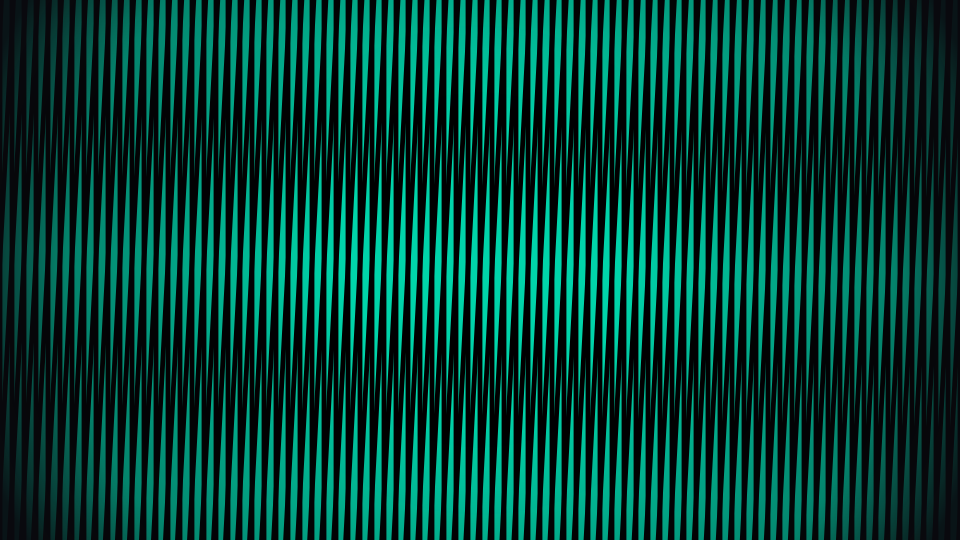
documentation
Day 001 — Moiré Explorer
Photosensitivity Warning: This project contains rapidly changing high-contrast patterns and animations that may cause discomfort or trigger seizures in people with photosensitive epilepsy. Use the red STOP button to immediately halt all animations.
Interactive exploration of moiré interference patterns.
Effects
- Rotation Moiré — Two identical line gratings with relative rotation. Formula: p_moiré = p / (2·sin(θ/2))
- Frequency Beating — Two parallel gratings with different periods. Formula: p_moiré = (p₁·p₂) / |p₁−p₂|
- Concentric Circles — Two sets of rings with offset centers producing conic section fringes
- Sine Grating (WebGL) — Two 2D sine waves overlaid per-pixel on the GPU with false-color mapping (Viridis/Inferno)
- Dot Raster — Overlapping hexagonal or square dot grids with magic-angle highlight (~1.1° for hex, as in twisted bilayer graphene)
Controls
- All parameters adjustable via sliders
- Mouse interaction on canvas (rotation angle, circle center offset, phase focus)
- Keyboard shortcuts: 1–5 switch effects, R reset, F fullscreen
- Per-slider automation (LFO): click ~ to enable, set min/max range, speed, and waveform (sine, triangle, saw, random)
How it works
Moiré patterns emerge when two periodic structures overlap with slight differences in spacing, angle, or position. The resulting large-scale interference patterns amplify tiny geometric differences — a principle used in precision measurement, security printing, and art.
The WebGL effect (tab 4) computes per-pixel sine interference on the GPU using GLSL fragment shaders, enabling smooth continuous patterns at full resolution.
licenses
No external dependencies